Community groups such as reading clubs and other special interest groups may rent our space. The cost is $40 per hour for a minimum of 2 hours. Our room capacity is 35. There is a washroom, stove, kettle and cups. Contact Marilyn at tollkeeperscottage@gmail.com.
I like your previous and next buttons. Actually, perhaps you didn’t put them in.. because i was trying to see how you did it. I think it mighht be a characteristic of posts.. ?? Yes it is.. we could put a previous link in if a page can only be reached one way, that would just have the page that called it I guess. Perhaps this would just confuse things… Speaking of confusing, should I just make your posts into pages.. I also found its easier to link to pages that are published, so I have been feeling free to publish them.
Hi George,
I haven’t seen any pre and next buttons. Publish seems friendlier to me for some reason? Uploading pics?
I see you are uploading lots of pictures!! , and working on pages. Great.. publishing is good because we can then see the page/post for linking better. I think I should change your posts into pages. But first, can you see the difference? when you click on posts you get one set of pages/posts, and when you click on pages you get another set. Both of them can be published. Posts can have comments and im glad you spotted this one.
We are getting a lot of pictures.
you are really getting into the swing of the process.. yeah..
Trying to put posts into pages without success. I think I’ve erased my Plan Your Visit for Teachers post!!!!
By the way, i saw you had a draft of a bulletin and i fleshed a sample one in posts, which imports the current campaign page, masks off the top a bit and the bottom. I noticed recently that now the location of the campaign page has not changed the last couple months which means when a new newsletter comes , this wont’ have to be updated. As you probably know, i have been putting a link on the old web site in 3 places , one of them is the scroll task bar to get the bulletin. or the archive.. To get the actual bulletin, as opposed to the list of archives, is harder and requires updating the link each bulletin due to security considerations.
I also turned off verbose in the list of posts and pages, so its not so cluttered. hovering your mouse over the list shows the options
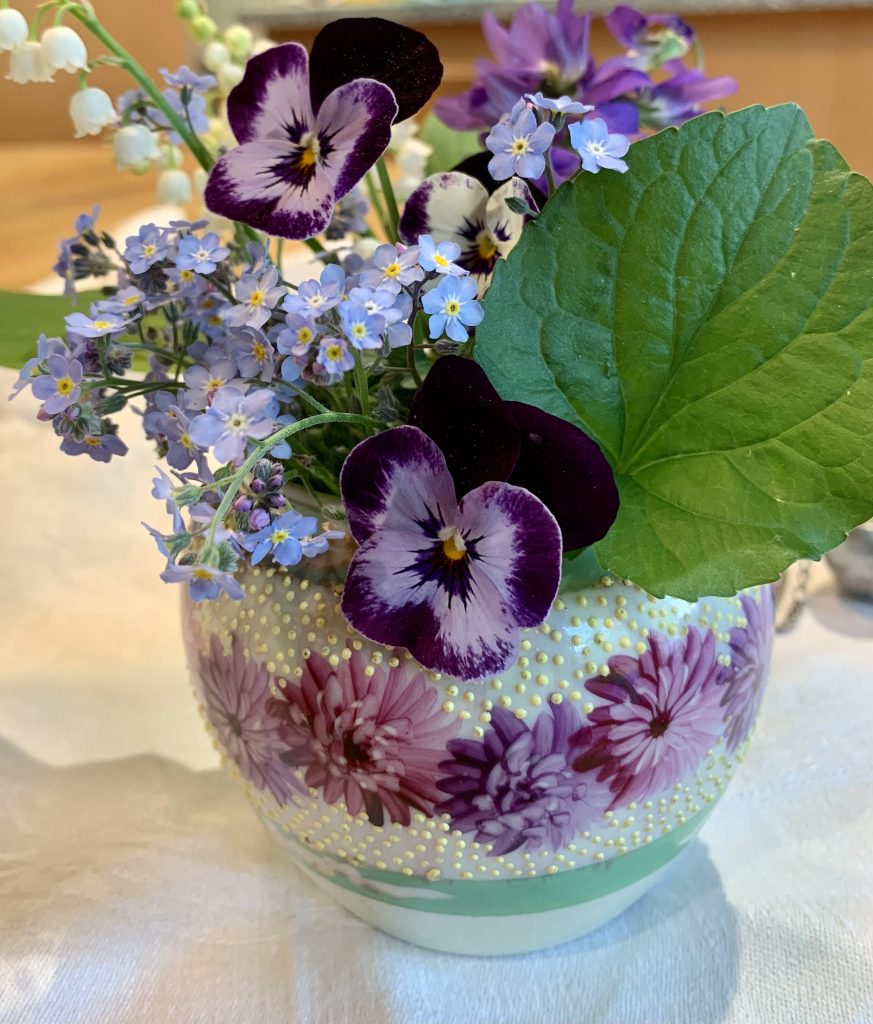
Your posts should all be pages.. now you can practice links. Beautiful picture in rent our building
Trying to put posts into pages without success. I think I’ve erased my Plan Your Visit for Teachers post!!!!
when you upload pictures, if you wanted to add captions or description, if you click on the picture once it is loaded, and scroll down to the bottom of the page, you will see a place to put the description and caption.
re the previous and next, they are at the bottom of each post.. but they will vanish when we make them pages.